Editing, duplicating, archiving or restoring an event
Updated July 23, 2026
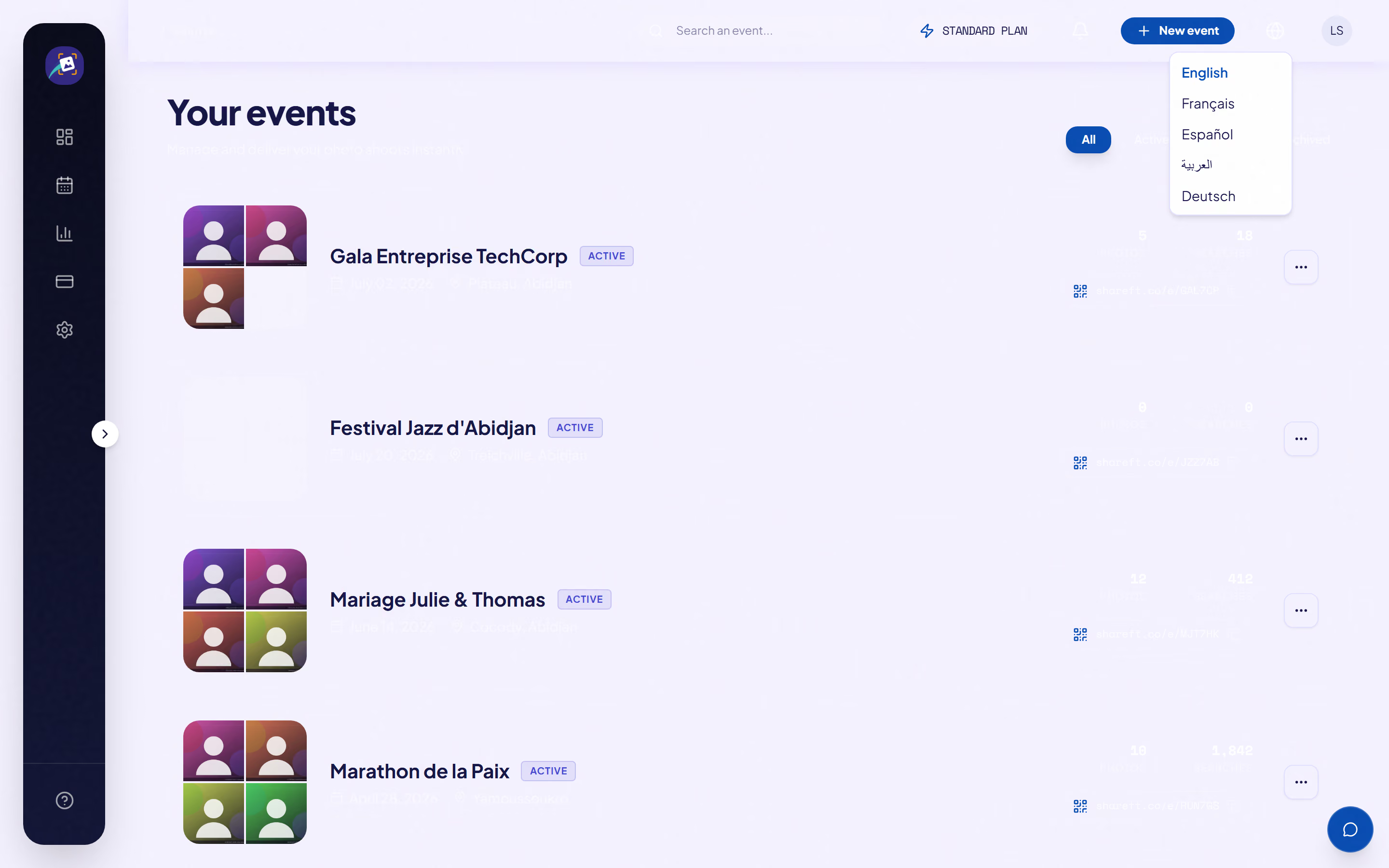
- Edit: you can change the name, date, place and visibility mode at any time. The event's public address never changes, though. That's on purpose, so it never invalidates QR codes you've already printed or shared.
- Duplicate: copies the name (with "(copy)" added), the date, the place and the visibility mode into a new event. The photos and searches aren't copied, and the new event gets its own public address. Handy for a recurring series.
- Archive: closes the event. Your guests can still view and download the photos, but you can't upload anything new.
- Restore: reopens an archived event.

Warning: duplicating doesn't copy the photos. It gives you a template, not a backup.
Was this article helpful?
Related articles
Still need help?
Reach out to us directly.