Verifying your email address
Updated July 23, 2026
After you sign up, we send you an email with a confirmation link. Until you click it, you can't create an event yet.
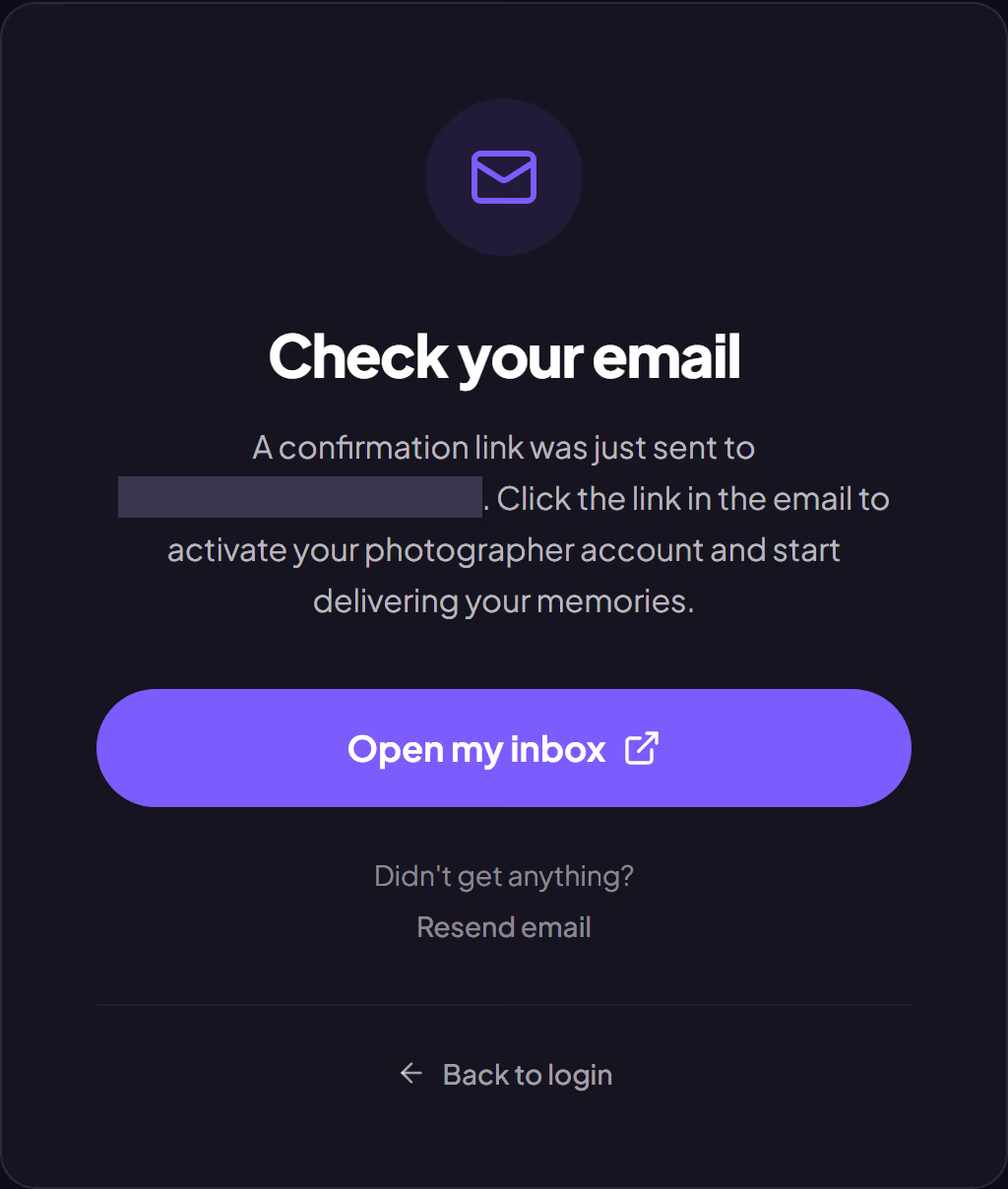
The verification page has an Open my inbox button. It reads your address domain and takes you straight to the right service: Gmail, Outlook, Yahoo, iCloud or Proton. If it doesn't recognize your domain, the button opens your default mail app.
Nothing arrived?
- Check your spam folder and the "Promotions" tab.
- Double-check how you spelled your address. You can correct it in your account settings.
- Give it two or three minutes before asking for another email: they sometimes arrive in batches.
- If nothing shows up after a resend, write to support.
Was this article helpful?
Related articles
Still need help?
Reach out to us directly.