Creating your SHAREFT account
Updated July 23, 2026
You set up your account on the sign-up page. Use an email address and a password, or sign in with Google or Apple when those options are available.
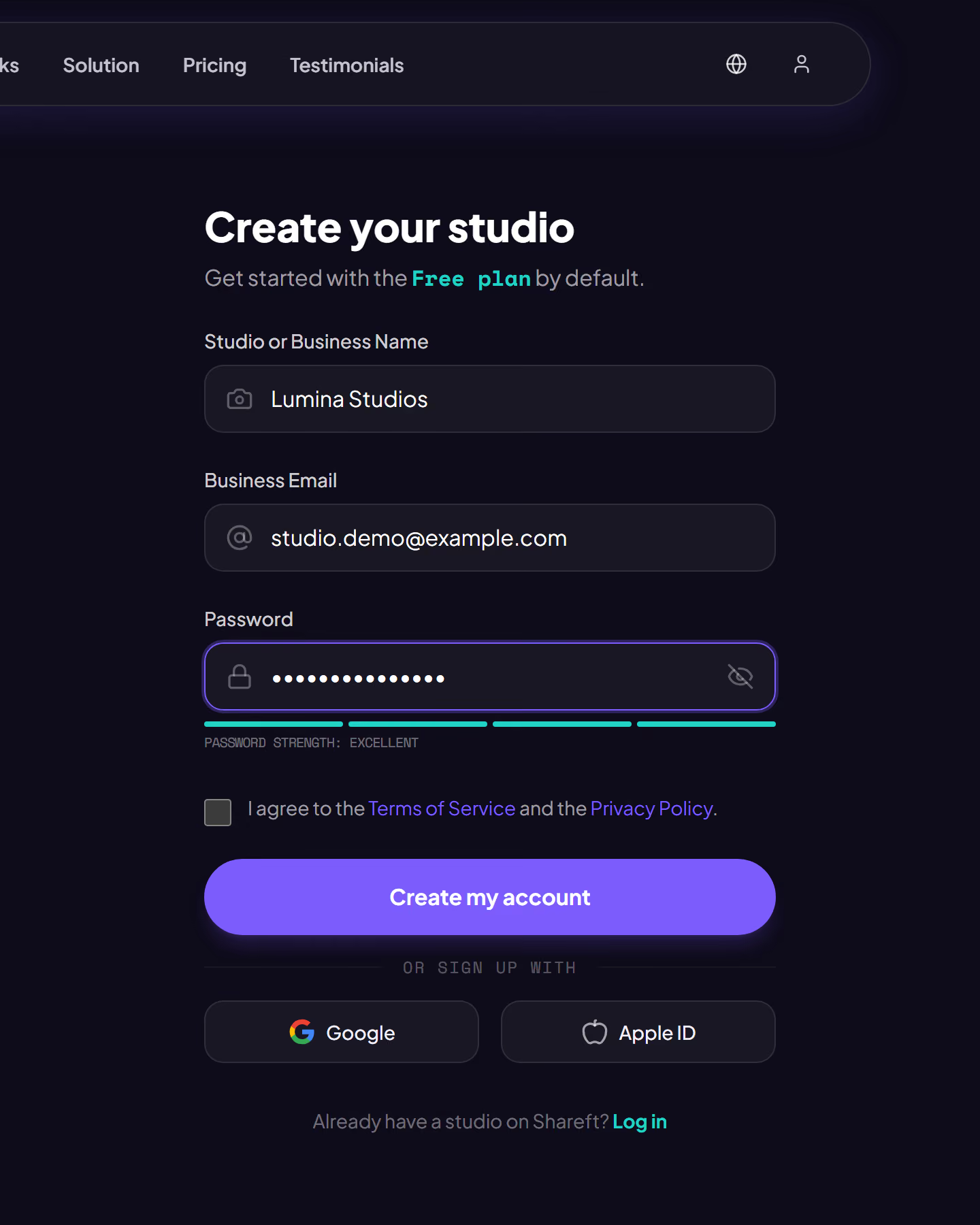
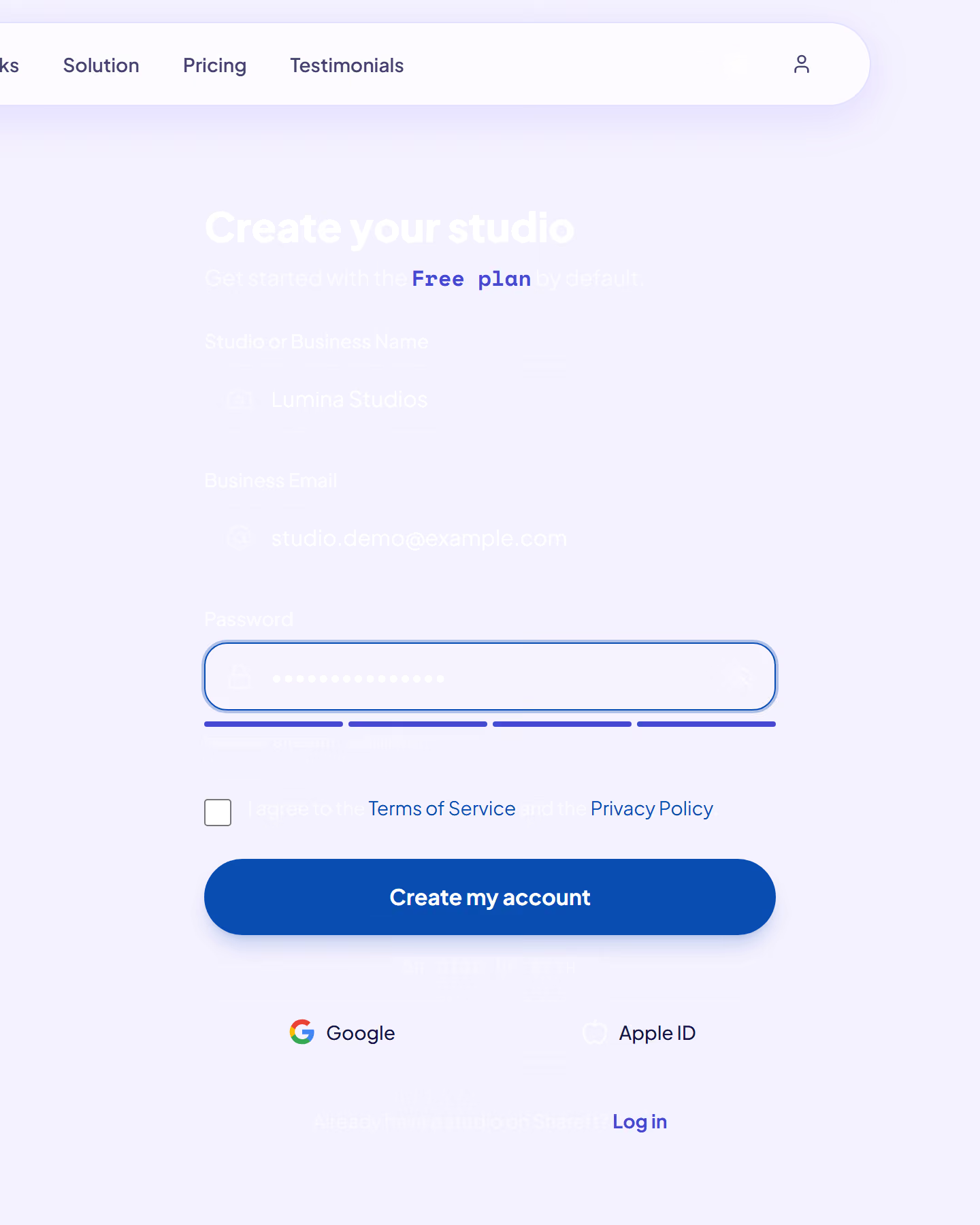
As you set your password, a strength meter updates as you type. Tap to reveal what you entered if you want to check for typos.
- Enter your work email address. This is where your receipts and alerts will go.
- Pick a password strong enough to turn the meter green.
- Choose your starting plan. The free plan is selected by default, and you can change it whenever you like.
- Confirm, and we send a verification email straight away.
Good to know: you have to verify your email address before you can create your first event. You can't skip it.
Was this article helpful?
Still need help?
Reach out to us directly.