Customize an event's colors and logo
Updated July 23, 2026
Each event can have its own accent color, logo, and displayed photographer name.
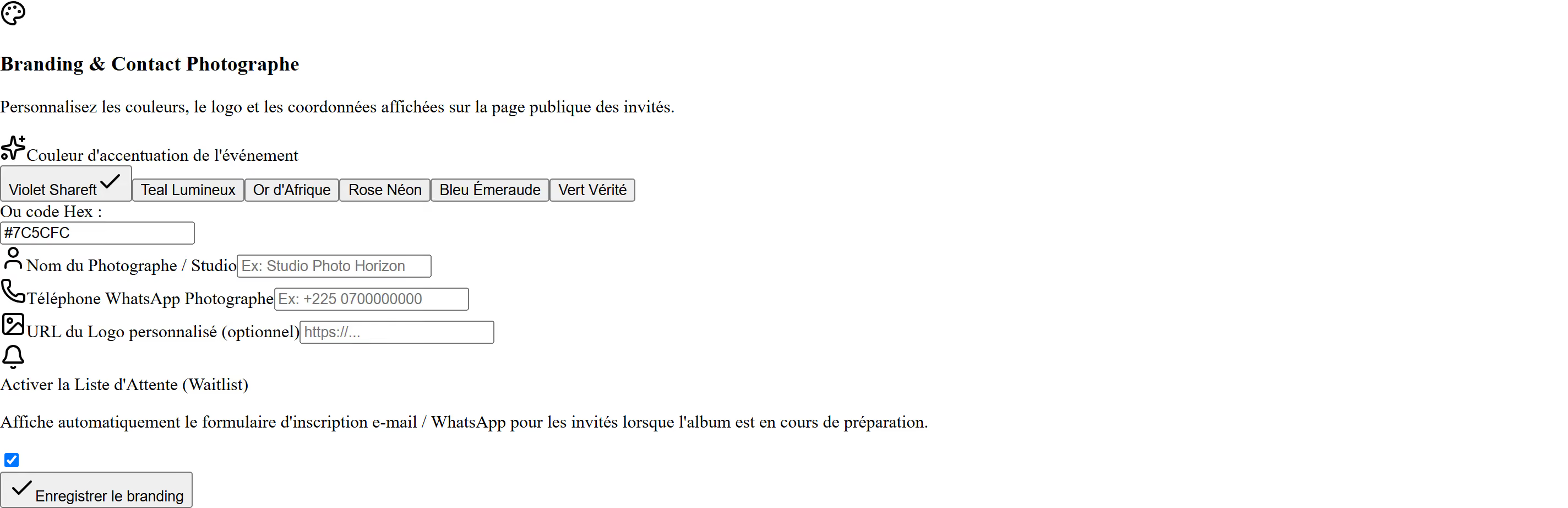
The color you pick shows on the buttons and active elements of the public page. Start from a preset palette, or enter an exact color.
Best practices
- Reuse the color from the invitation or your client's brand. It makes the page feel more polished right away.
- Check the result: too light a color makes button labels hard to read.
- A PNG logo with a transparent background gives the best result.
Good to know: this depends on your plan. If the fields don't show up, check the Pricing page.
Was this article helpful?
Related articles
Still need help?
Reach out to us directly.