Your notifications and preferences
Updated July 23, 2026
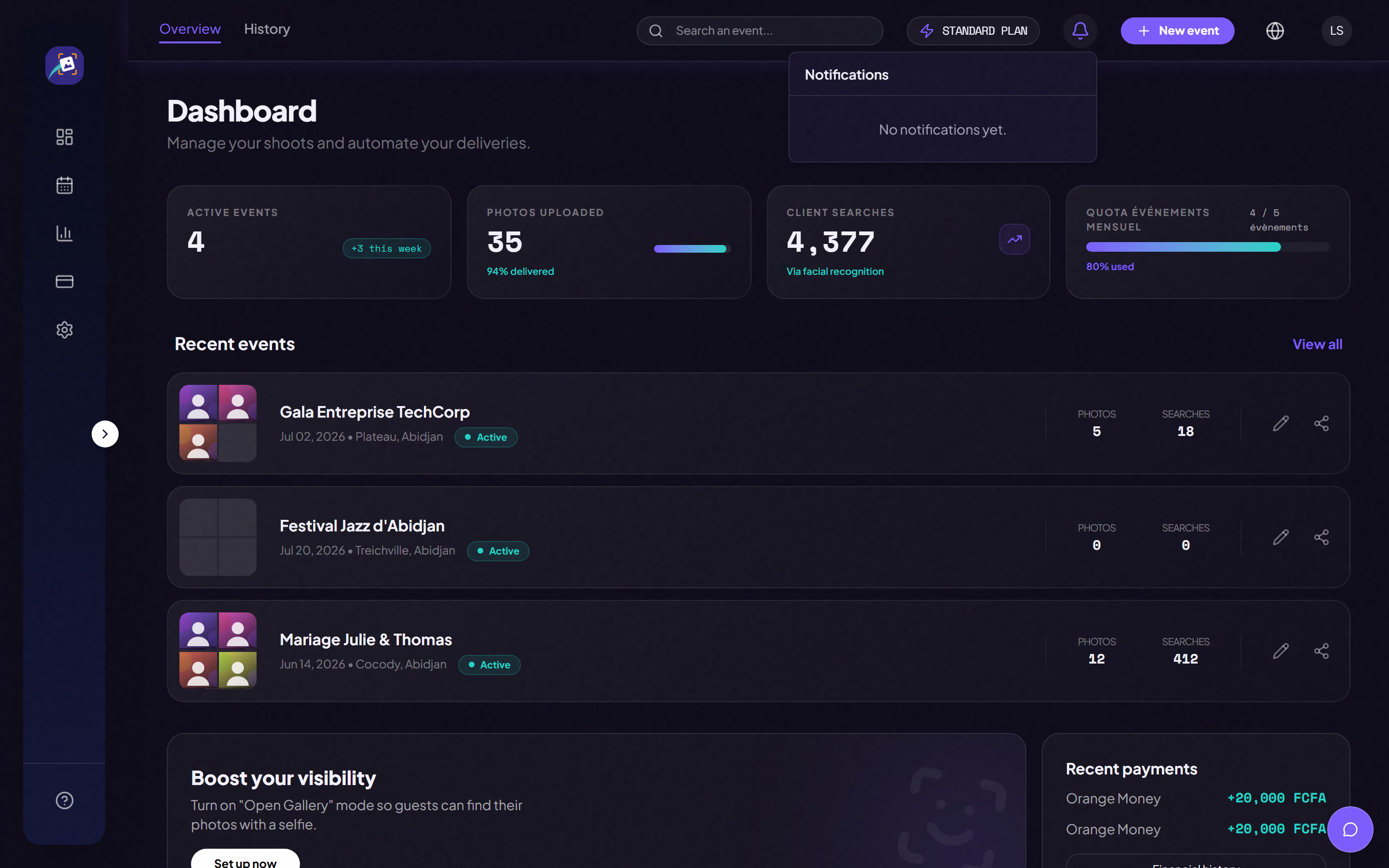
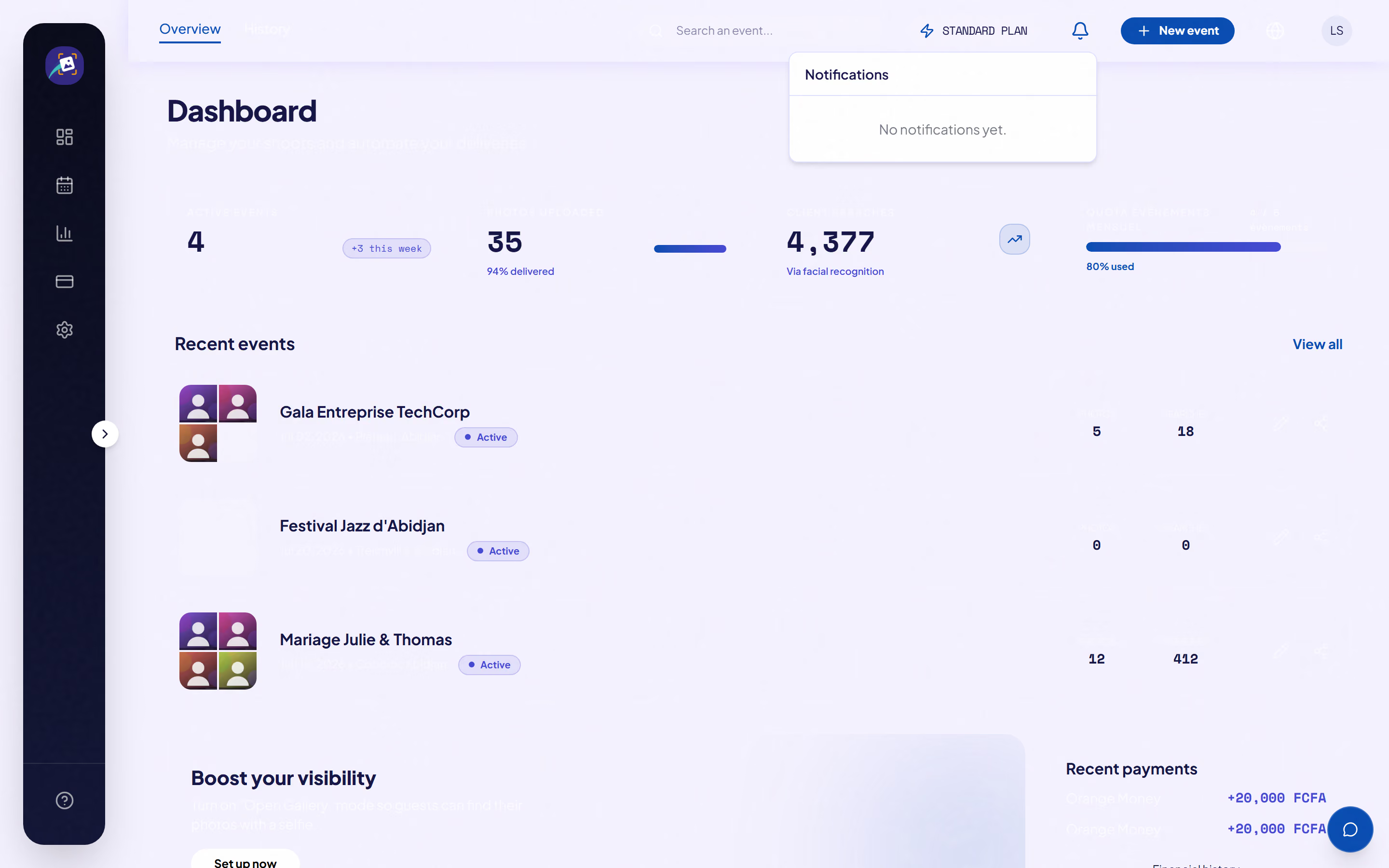
The bell in your dashboard gathers your notifications, with a count of the unread ones.
What triggers a notification today
- Your wallet gets credited after a deliverable is paid for (notification and email).
- A payout's status changes, whether approved, declined or paid (notification and email).
- A photo's analysis fails for good (notification only).
- A reminder when people are waiting on an event's waitlist.
You can switch emails off in your settings. Push and SMS notifications show in the preferences but aren't live yet, so turning them on does nothing for now.
Good to know: we deliberately don't ping you for every guest selfie search. At a 300-person event, that would bury you.
Was this article helpful?
Related articles
Still need help?
Reach out to us directly.